How to Schedule YouTube Shorts (and Reuse Them on TikTok and Reels)
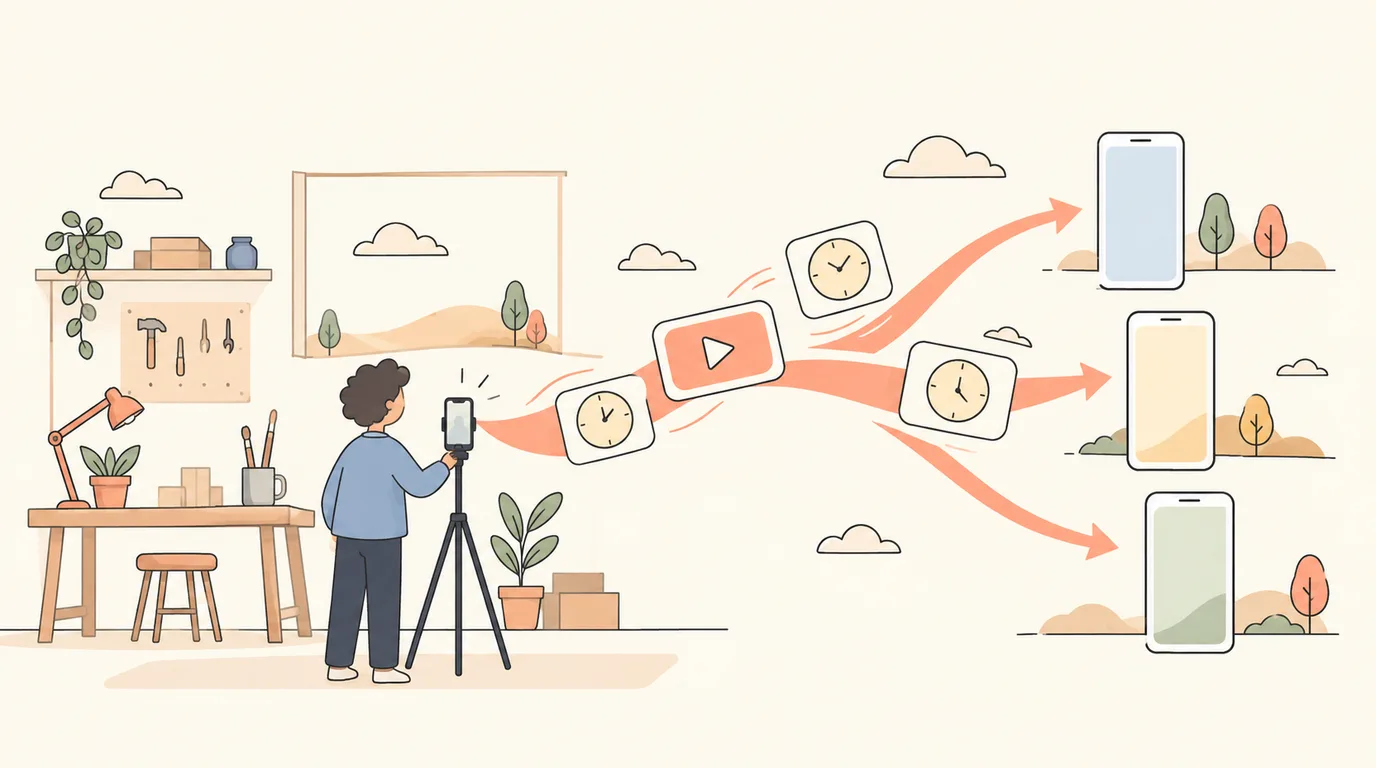
Shorts are the easiest way for a small business to be found on YouTube: a vertical clip under three minutes can reach people who have never heard of you, and the same clip works on TikTok and Instagram Reels. Filming in batches and scheduling the uploads turns one afternoon of filming into weeks of posts.
Method 1: YouTube Studio
In YouTube Studio, upload the video, fill in the details and choose Schedule under visibility to set a date and time. It handles one video at a time and only YouTube.
Method 2: Schedule with PostClaw
Step 1: Connect YouTube
Sign in to PostClaw, open Channels and choose YouTube. You sign in with Google and pick the channel to post to.
Step 2: Add the clip and the details
In the Composer, upload a vertical (9:16) video under three minutes; YouTube treats vertical videos of that length as Shorts. Then fill in:
- Title — up to 100 characters. Put the hook first.
- Description — a line or two about the video.
- Visibility — public, unlisted or private.
- Made for kids — YouTube requires every video to say whether it is made for children. Answer it honestly.
- Category and tags, if you use them.
You can also add an image as a custom thumbnail and pick a playlist.
Step 3: Schedule
Pick the date and time. The Short appears on the Calendar, where you can move or edit it.
Step 4: Send the same clip to TikTok and Reels
Select TikTok and Instagram as well. The same vertical video goes out as a TikTok and an Instagram Reel, each with a caption written for that platform. One filming session, three channels.
A batch-filming routine for Shorts
- Film six to ten clips in one session: same setting, different topics.
- Hook in the first second: say or show the point straight away.
- One idea per Short. A tip, a before-and-after, an answer to one question.
- Schedule two or three a week, at times your audience watches.
- Turn the best comments into the next Shorts.
Shorts ideas for businesses
- Process: a job from start to finish, sped up.
- Myth vs fact in your field.
- The question every customer asks, answered in 30 seconds.
- Before and after, with the reveal at the end.
Read how to schedule TikTok videos, and see sample weeks for gyms and coaches and contractors.
Try it: start free — connect YouTube and one more channel on the Free plan.