How to Schedule TikTok Videos (and Post Them to Reels and Shorts Too)
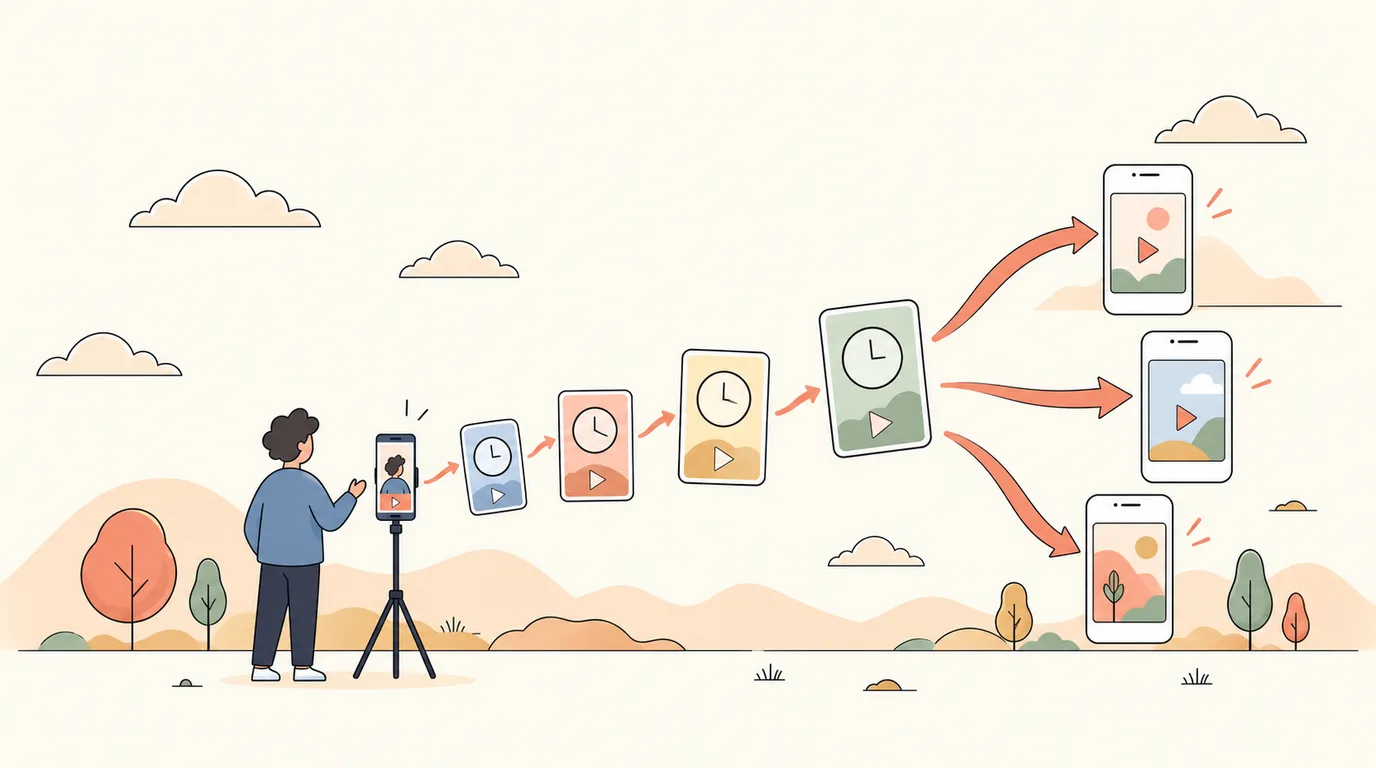
TikTok rewards accounts that post often, and most small businesses film in batches: an afternoon of clips, then nothing for two weeks. Scheduling turns one filming session into a steady posting rhythm.
Method 1: TikTok's own scheduler
On a computer, TikTok's web uploader (and TikTok Studio) has a Schedule option: upload the video, write the caption, pick a time up to several days ahead. It handles one video at a time and only TikTok.
Method 2: Schedule with PostClaw
Step 1: Connect TikTok
Sign in to PostClaw with Google or GitHub, open Channels and choose TikTok. You approve access on TikTok's own screen.
Step 2: Add the video and caption
In the Composer, upload the clip (vertical 9:16 works best) and write the caption — or ask the AI for three hook options and pick one. TikTok asks every app to show its privacy and interaction settings, so you choose who can view, comment and duet before posting.
Step 3: Schedule
Pick the time. At that moment PostClaw sends the video to TikTok. When TikTok allows direct posting it goes live straight away; otherwise it lands in your TikTok inbox as a ready draft, and you publish it with one tap in the app.
Step 4: Send the same clip to Reels and Shorts
Select Instagram and YouTube as well. The same vertical video publishes as an Instagram Reel and a YouTube Short, each with a caption written for that platform. One filming session, three channels.
A batch-filming routine
- Film 6–10 short clips in one session. Same outfit, same setting, different topics.
- Write the hooks together. The first two seconds decide the view; plan them side by side.
- Schedule three to five a week across your best hours (TikTok analytics shows when followers are active).
- Stay for the comments. Reply in the first hour — that is where TikTok decides whether to push a video further.
Ideas that work for businesses
- Process videos: how a job is done, start to finish, sped up.
- Myth vs fact in your industry.
- The one question every customer asks, answered in 20 seconds.
- Before and after, with the reveal at the end.
See sample weeks for contractors, gyms and coaches and e-commerce brands.
Try it: start free — connect TikTok and one more channel on the Free plan.