How to Schedule Mastodon Posts on Any Instance
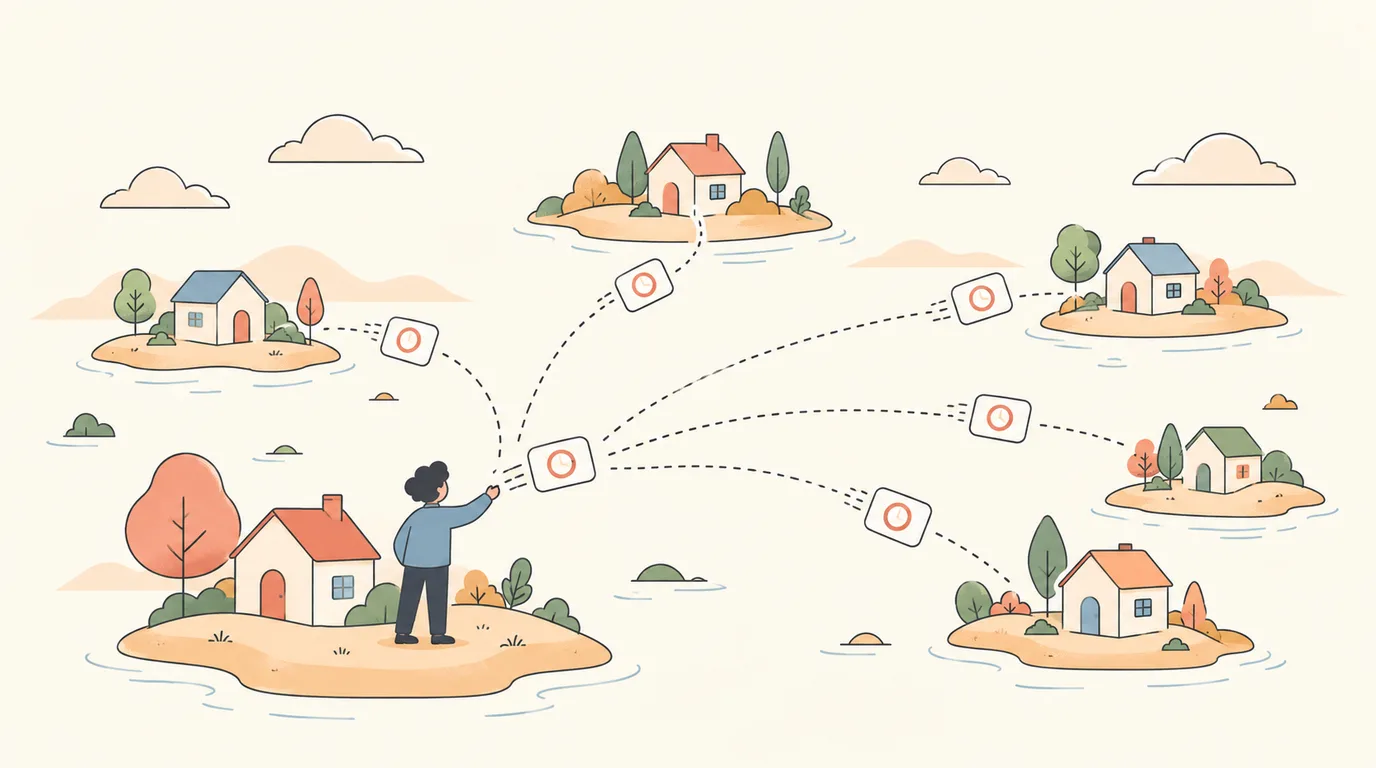
Mastodon is not one site. It is thousands of independent servers — instances — that talk to each other. That design is why people like it, and also why "how do I schedule a post?" has a less obvious answer than on centralized networks.
The short version: Mastodon's API has supported scheduled posts for years, but the standard web interface does not show a schedule button. To schedule, you use an app or tool that talks to that API. Here is how.
Before you start: what a Mastodon post can hold
- 500 characters by default. Some instances allow more; your instance sets the limit.
- Up to 4 images, or one video, with alt text (descriptions are expected in most communities).
- Content warnings to fold text behind a summary line.
- Hashtags — on Mastodon these matter more than elsewhere, because there is no algorithmic feed. People follow hashtags to find posts.
Step 1: Connect your instance
Sign in to PostClaw with Google or GitHub — one click, no credit card. Open Channels, choose Mastodon, and enter your instance's address — for example mastodon.social, fosstodon.org or hachyderm.io.
PostClaw registers itself with your instance and sends you to your instance's own sign-in page to approve access. Your password stays on your instance. It works the same way on any instance that runs standard Mastodon.
Step 2: Write the post
Open the Composer, select the Mastodon channel and write. Add images with descriptions, and the hashtags people on your instance actually follow.
If you want help writing, the composer can draft in your brand voice with your own AI key — Gemini, OpenAI, Claude, OpenRouter and more. New accounts get 20 free AI calls to try it; after that you pay your AI provider directly, with no markup.
Step 3: Schedule it
Pick a date and time. The post appears on the Calendar, where you can drag it to a new slot or edit it before it publishes. It goes out through the Mastodon API at that time, without your browser being open.
Step 4: Cross-post to Bluesky and Threads — properly
Many people on Mastodon also post on Bluesky or Threads. Copying the same text everywhere does not work well: Bluesky caps posts at 300 characters, and hashtag habits differ between networks.
Select several channels in the composer and PostClaw adapts the text for each platform — shortening for Bluesky, adjusting hashtags — and you review every version before scheduling. On the Free plan you can connect two social accounts and schedule up to 50 posts a month.
Fediverse etiquette worth following
Mastodon communities have norms, and schedulers make it easy to break them by accident:
- Write image descriptions. Many people will not boost an image without alt text.
- Use content warnings for topics your instance asks to be folded (politics, spoilers, and so on — check your instance's rules).
- Do not flood. A scheduled burst of posts looks automated. Space them out.
- Be around for replies. Mastodon is conversational; a scheduled post that never gets a human answer reads as broadcast.
- Respect your instance's bot policy. If an account posts only automatically, many instances ask you to mark it as a bot in your profile settings.
Summary
- Connect Mastodon in Channels by entering your instance address.
- Write the post with alt text and the right hashtags.
- Schedule it; it publishes through the API on time.
- Adapt the same idea for Bluesky or Threads in the same step.
Try it: start free — connect your Mastodon instance and schedule your first posts today.